

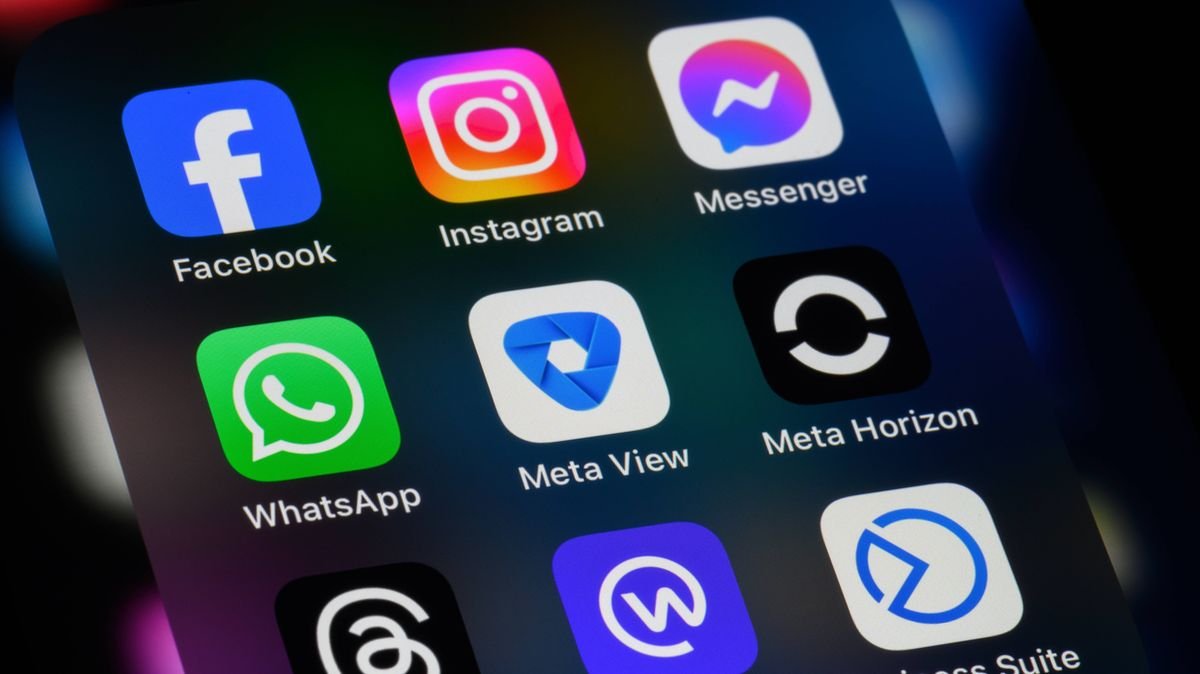

Users of popular online platforms such as WhatsApp, Instagram, Facebook, Outlook, and Gmail are being advised to review their essential security settings promptly. Taking a few moments to ensure the protection of personal information while using these digital services is crucial.
Forgetting to update security settings in these widely used applications could expose individuals to the risk of unauthorized access to their photos, messages, and other sensitive data by potential intruders seeking to breach their social media or email accounts.
A consumer watchdog specialist from Which? emphasized the importance of securing these apps on mobile devices, offering a straightforward guide to bolster security on some of the most prevalent phone applications.
The report highlighted the prevalence of these smartphone apps in the UK and globally, noting that many users overlook the built-in safety features that could enhance their protection.
Implementing these security measures can prevent unauthorized access to emails, photos, and personal information stored across these platforms. Enabling certain buried security features within these apps is a highly effective way to safeguard against unauthorized access by strangers or scammers.
WhatsApp, a leading messaging app in the UK with around 80% of internet users utilizing it, is a focal point for security considerations. Recent data from Ofcom indicates a significant user base on the platform, expected to grow to over 38.5 million users by 2025.
With 65% of UK adults considering WhatsApp their primary online communication tool, surpassing traditional SMS messaging, ensuring the app’s security is paramount for most users.
Experts from Which? recommended activating two-factor authentication on WhatsApp for enhanced security, setting up a unique PIN and backup email address to deter unauthorized access to messages and photos.
Both Facebook and Instagram, owned by Meta, were discussed together in the security tips, with specialists suggesting enabling two-factor authentication through the Accounts Centre for added protection.
To protect email privacy, the process varies depending on the platform. For Gmail users, enabling two-step verification under the Security settings is recommended, while Outlook users can manage their sign-in preferences for added security.
Additionally, users can activate two-step verification for added security on the Outlook platform. This feature prompts the user to verify their identity when signing in from an unfamiliar device, offering an extra layer of protection.
Utilizing an authenticator app for two-step verification can be particularly beneficial for frequent PayPal users, as it adds an extra layer of security to the payment platform.